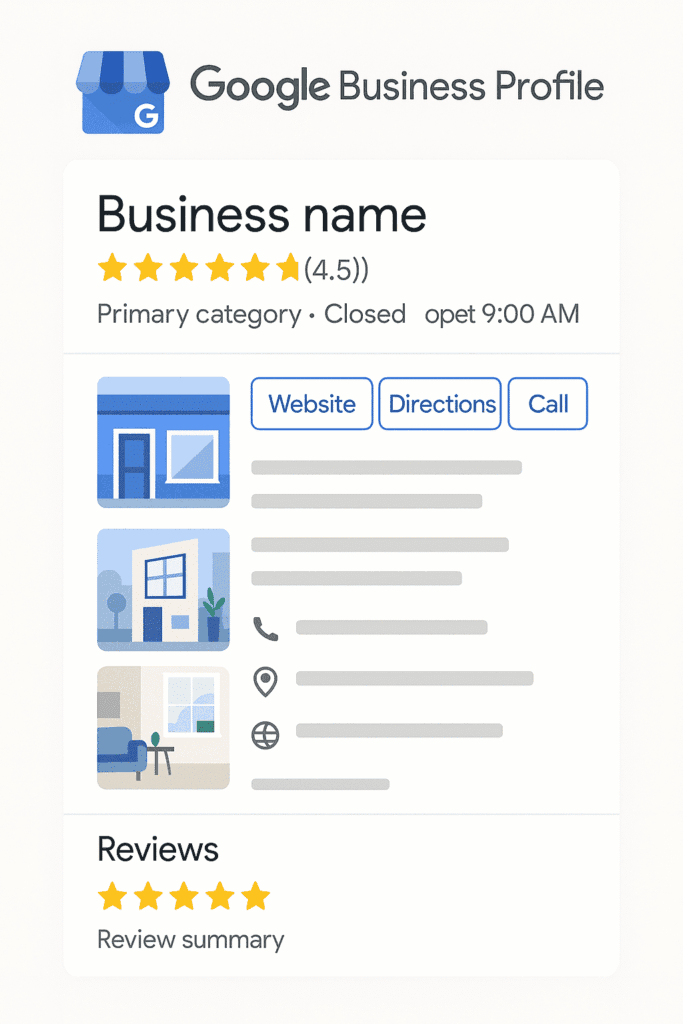
Direct answer
Optimizing a Google Business Profile is an 8-step process: claim and verify it, pick accurate categories, keep name and address details consistent everywhere, write a real business description, upload genuine photos, enable messaging and bookings, post updates weekly, and build an ongoing review strategy. Done properly, most businesses see measurable movement in map pack visibility within a few weeks.
The step-by-step setup
Step 1: Claim and verify
Search for the business on Google Maps, claim the listing if it already exists or create it if it does not, and complete verification (usually by postcard, phone, or email, depending on the business type).
Step 2: Choose accurate categories
Select the primary category that most precisely matches the core business, then add secondary categories for additional services offered. Precision here directly affects which searches the profile can rank for.
Step 3: Fill out every field
Hours, service area, website link, appointment link, and attributes should all be completed. An incomplete profile ranks worse and converts fewer visitors than a fully filled-out one.
Step 4: Write a real business description
Describe what the business actually does, who it serves, and what makes it different, in plain language. Avoid stuffing the description with repeated keywords, which reads poorly to both customers and Google.
Step 5: Upload high-quality visuals
Real photos of the location, team, and completed work outperform stock imagery. Profiles with more photos consistently see more customer actions than those without.
Step 6: Enable messaging and bookings
Turning on direct messaging and, where relevant, an online booking link removes friction between a search and a completed appointment or inquiry.
Step 7: Post weekly
Google Posts (offers, updates, events) keep the profile active and give Google fresh signals to work with. A weekly cadence is enough to stay visibly active without becoming a burden.
Step 8: Build an ongoing review strategy
Ask satisfied customers for reviews consistently, and respond to every review, positive or negative. A steady stream of recent reviews is one of the strongest local ranking signals available.
Why optimization matters more than setup alone
Completing the setup once gets a profile into the running. Staying active, posting, responding to reviews, updating photos, keeping hours current during holidays, is what actually keeps it ranking well over time. Profiles that go quiet after the initial setup tend to lose ground to competitors who continue investing the small amount of ongoing effort this requires.
Summary
A properly optimized Google Business Profile covers verification, accurate categories, complete details, real photos, and active weekly engagement through posts and reviews. The setup takes an afternoon; the ongoing activity is what keeps it competitive month after month.